We use cookies, including cookies from third parties, to enhance your user experience and the effectiveness of our marketing activities. These cookies are performance, analytics and advertising cookies, please see our Privacy and Cookie policy for further information. If you agree to all of our cookies select “Accept all” or select “Cookie Settings” to see which cookies we use and choose which ones you would like to accept.

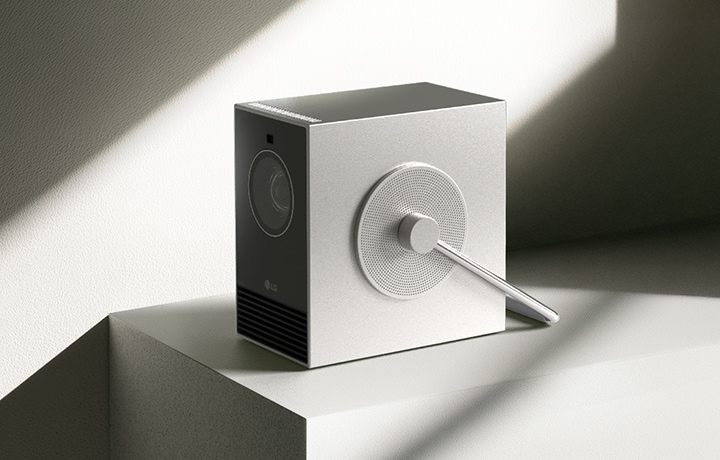
LG CineBeam Q Mini 4K UHD Portable Projector For Home and Outdoor | PU600U with Maximal 120-inch screen, DCI-P3 154% (Overall), RGB Laser, 600 ANSI Lumens, Auto Screen Adjustment
*The images simulated to enhance feature understanding. It may differ from actual use.
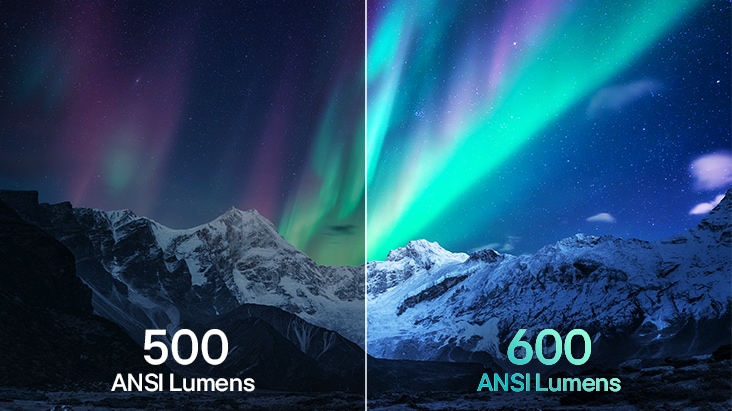
*Based on internal testing, brightness has been upgraded from 500 to 600 ANSI Lumens compared to the previous CineBeam Q model (HU710PB).
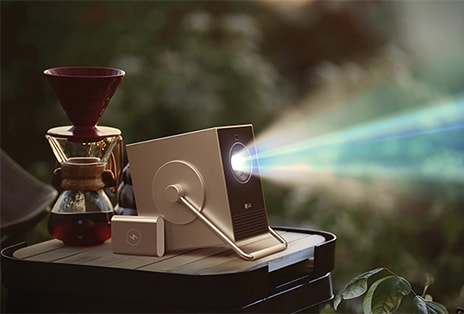
Be cinematic anywhere
Enjoy a quality cinematic experience anywhere, with our compact but fully ready projector.
| *The images simulated to enhance feature understanding. It may differ from actual use. |
Compact as ever. Sharper than ever.
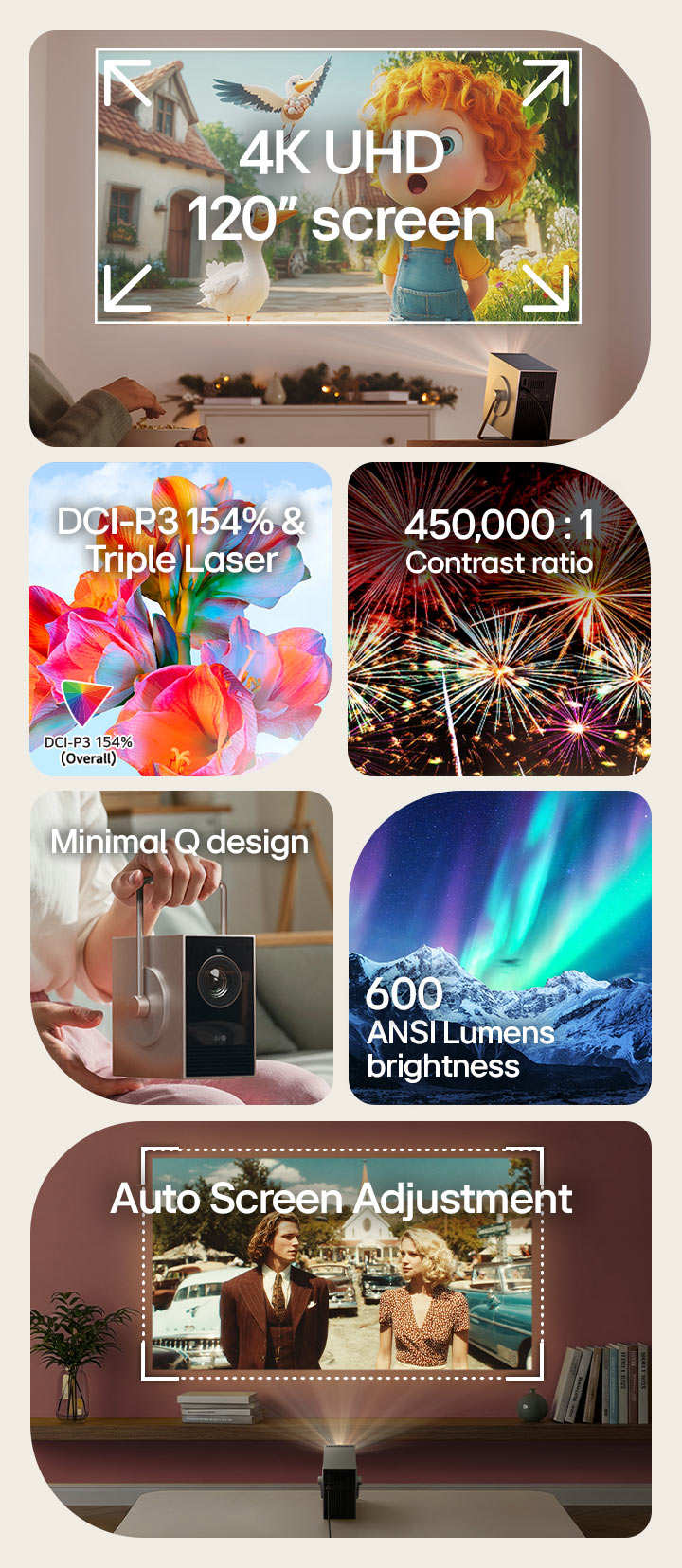
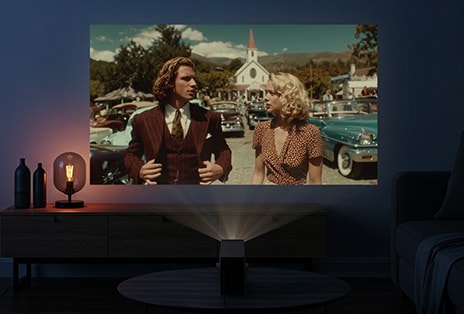
Its 4K UHD resolution delivers sharp detail and lifelike clarity, even on a grand 120-inch screen. Enjoy vibrant colours and deep contrast with a DCI-P3 154% colour gamut and a 450,000:1 contrast ratio, creating an immersive viewing experience — now 20% brighter than the previous CineBeam Q.
4K UHD 2160p
FHD 1080p
*The images simulated to enhance feature understanding. It may differ from actual use.
*Screen size may vary based on projection distance.
*If there are obstacles such as corners or uneven surfaces, this feature may not work properly.
*The above figures are based on ‘Brightest mode’ and may vary depending on your environment
*The figures of color gamut measured values from internal testing and may vary depending on your environment.
*Based on internal testing, brightness has been upgraded from 500 to 600 ANSI Lumens compared to the previous CineBeam Q model (HU710PB).
20% Brighter view now
With 600 ANSI Lumens brightness, the CineBeam Q now delivers a 20% brighter view**, making every scene feel more captivating than ever.
*The images simulated to enhance feature understanding. It may differ from actual use.
**Based on internal testing, brightness has been upgraded from 500 to 600 ANSI Lumens compared to the previous CineBeamQ model (HU710PB).
See the full colour spectrum
With a wide colour gamut 154% DCI-P3 (Overall), the CineBeam Q delivers accurate and vibrant colour representation.
*The above figures are based on 'Brightest mode' and may vary depending on your environment.
*The figures of colour gamut measured values from internal testing and may vary depending on your environment.
*The images simulated to enhance feature understanding. It may differ from actual use.
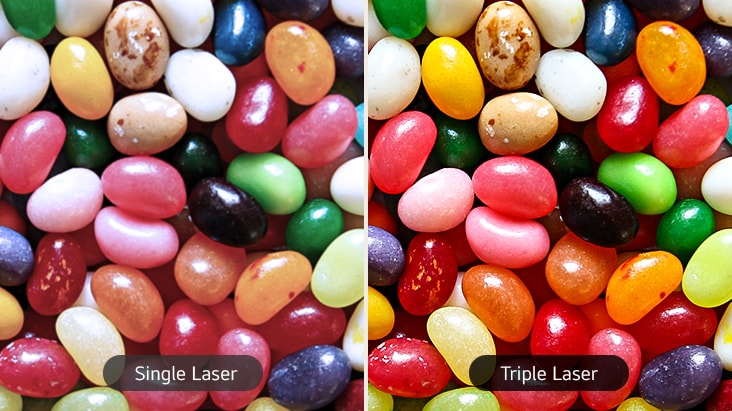
Rich colours powered by triple laser
The RGB Laser delivers rich colors and high brightness for more immersive viewing.
*The above figures are based on 'Brightest mode' and may vary depending on your environment.
*RGB Laser offers a separate light source for red, green, and blue.
*The images simulated to enhance feature understanding. It may differ from actual use.
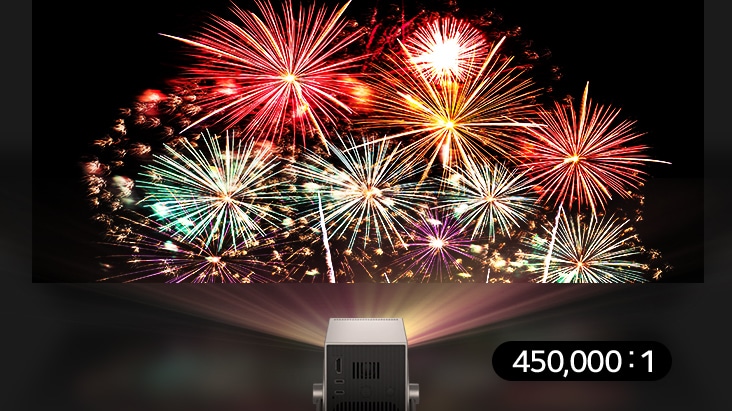
Deep black for richer details
Our 450,000:1 contrast ratio brings out clear details and deep black, enhancing vibrancy throughout every scene.
*The above figures are based on 'Brightest mode' and may vary depending on your environment.
*The images simulated to enhance feature understanding. It may differ from actual use.
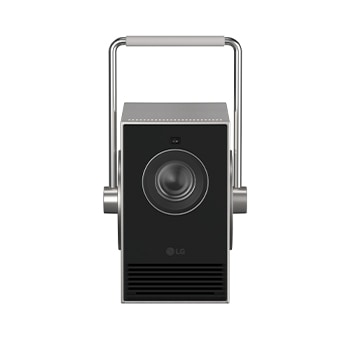
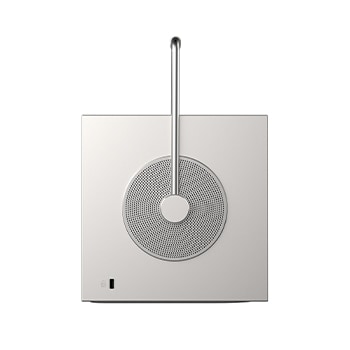
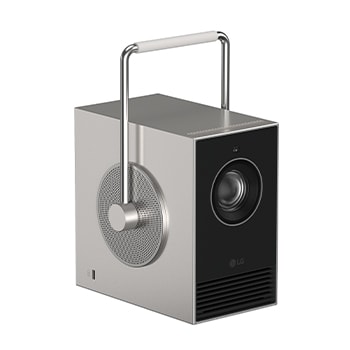
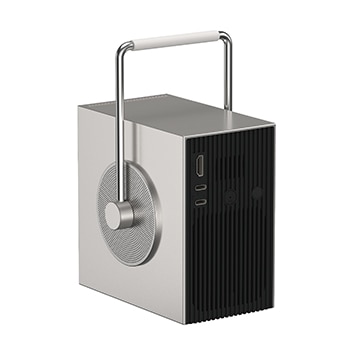
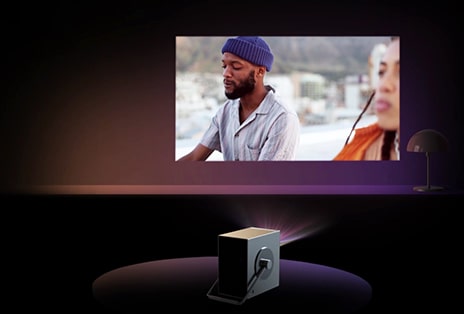
Minimal Q design
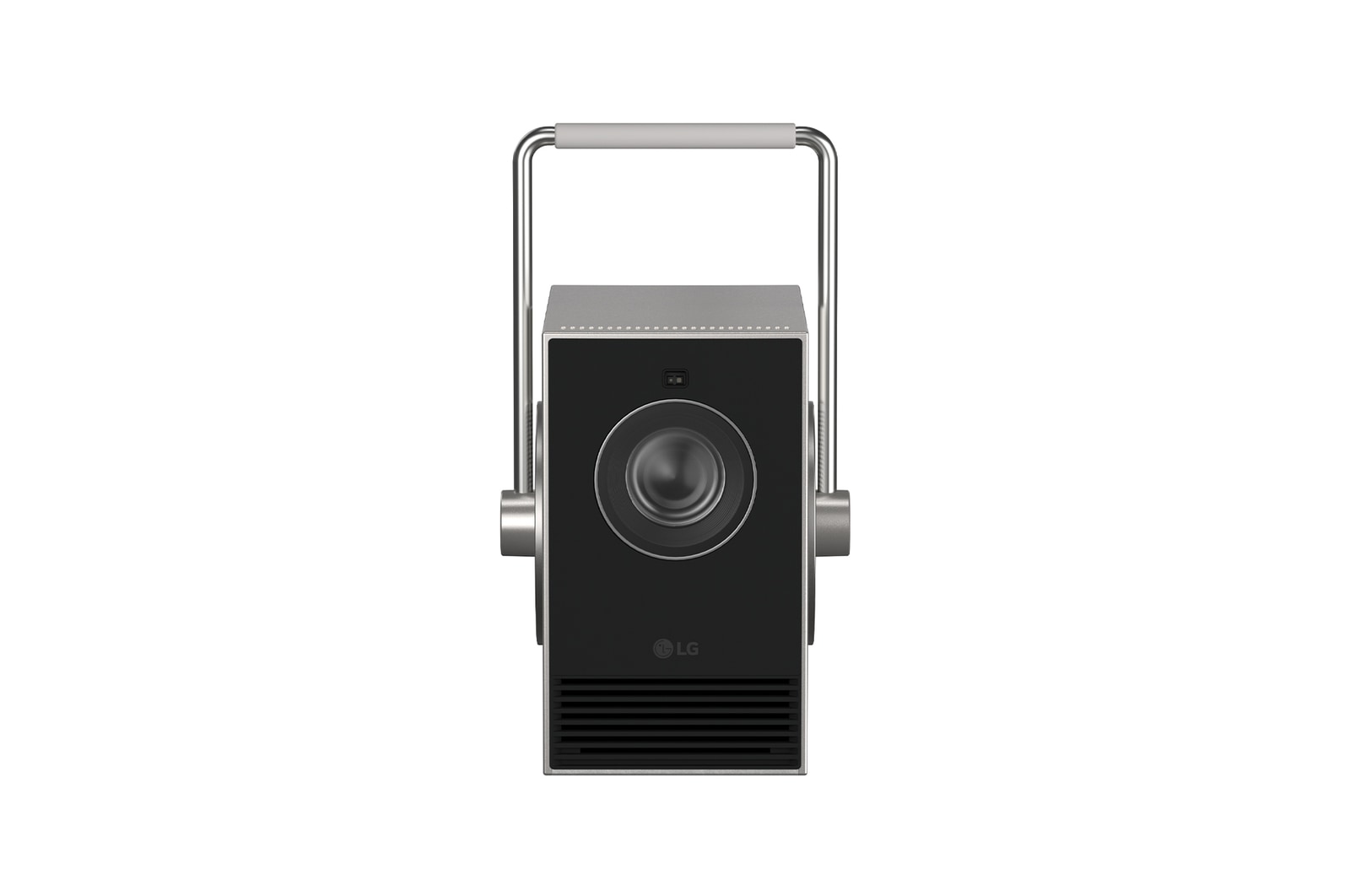
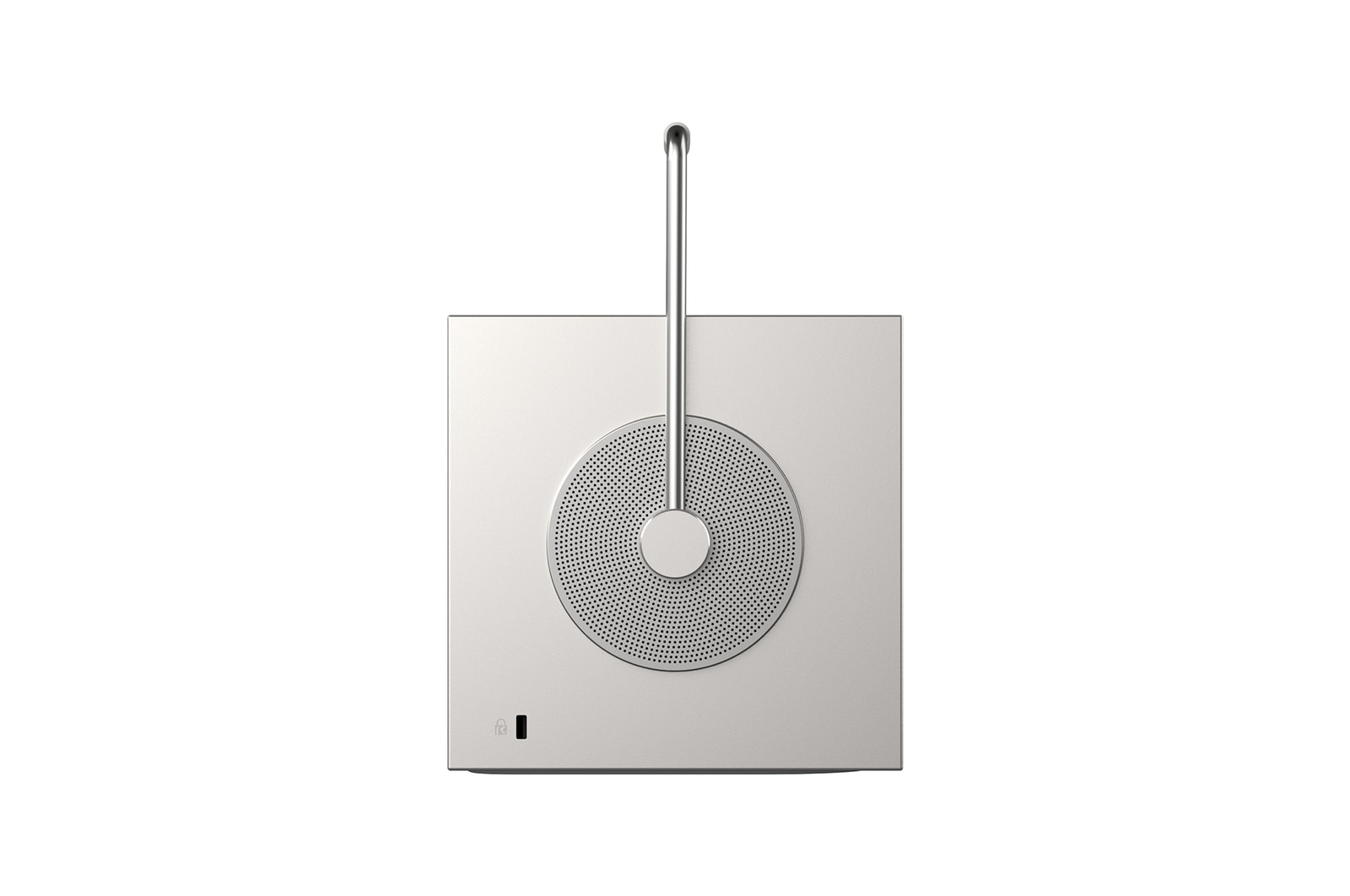
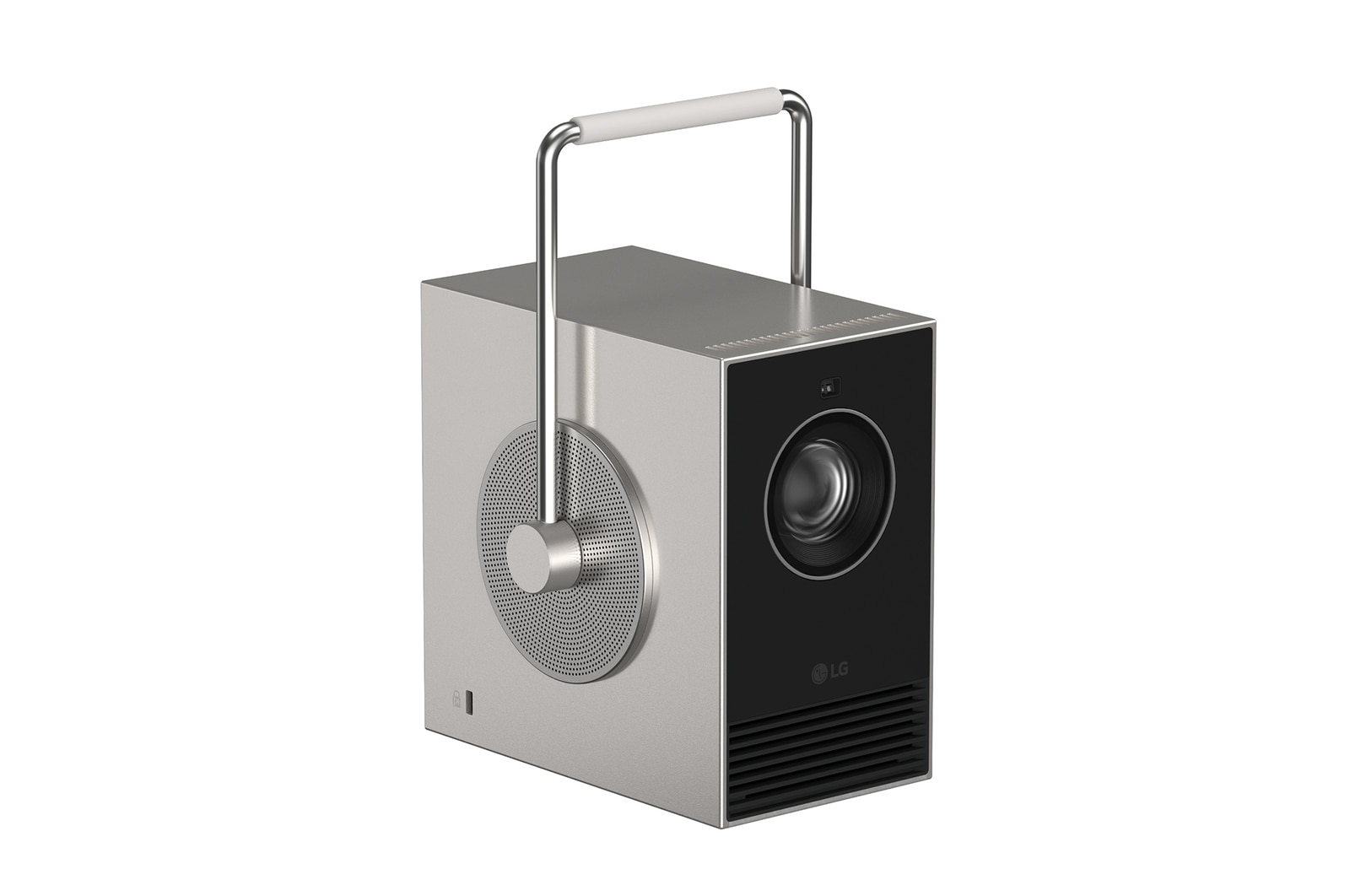
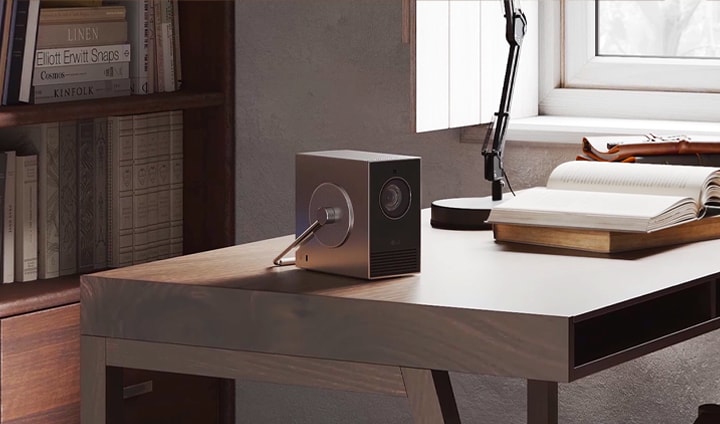
| Compact and lightweight, this projector is packed with powerful performance. Its minimal design is easy to move and blends seamlessly into any space. |
*The images simulated to enhance feature understanding. It may differ from actual use.
Handle with ease
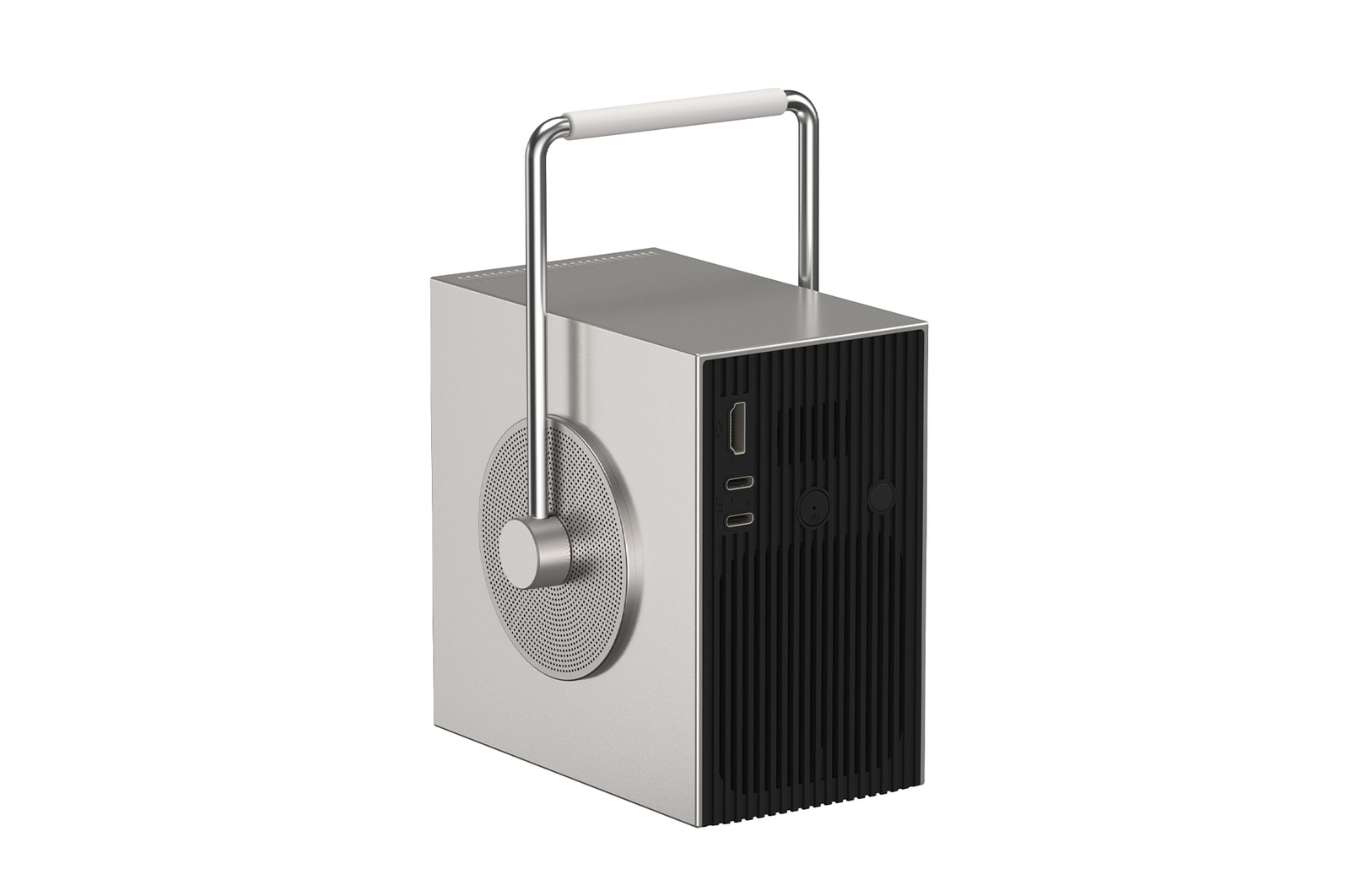
Portable and versatile, the CineBeam Q features a rotating handle that doubles as a stand. Its innovative design allows for easy carrying and projection. With the 360-degree rotating handle, enjoy 4K resolution content on any surface – walls, screens, or even ceilings.
*Images have been simulated to enhance feature understanding, and may differ from actual use experience.
Simple start, splendid view
Forget the hassle. With smart features that adapt to your space, the CineBeam Q ensures a quick and easy setup every time.
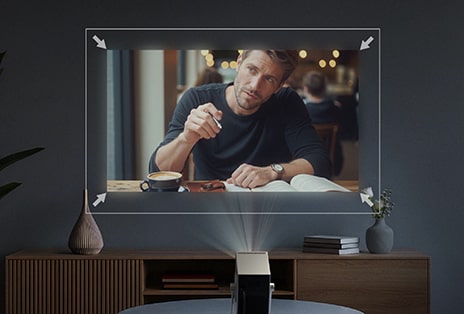
Auto Screen Adjustment
Screen setup is faster and easier than ever. The CineBeam Q automatically adjusts the focus and the keystone.
Screen Scaling/Shifting
Easily adjust your screen size and position to fit your wall.
Wall Colour Adjustment
Choose from 8 different colour presets to match your wall colour, enhancing the most optimized screen setting.
*The images simulated to enhance feature understanding. It may differ from actual use.
*If there are obstacles such as corners or uneven surfaces, this feature may not work properly.
*If the distance from the screen is over 2m or the placement is over 25 degrees, the auto screen adjustment may not work properly.
*For LG CineBeam Q (PU600U), the screen scaling/shifting feature may require a user update.
*Screen scaling and screen shifting features will be available starting January 2026 through an automatic software update, provided the device is connected to the internet.
*The images simulated to enhance feature understanding. It may differ from actual use.
*Internet connection and subscription to related services are required. Separate services may require payment for a subscription, and it is not provided (purchase separately).
*Supported services may differ by country.
Fully ready to connect
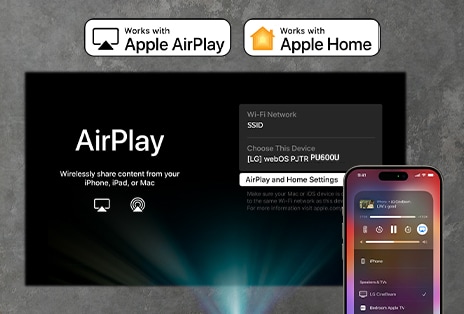
Airplay & Screen Share 1)
From phone to cinema
Freely share entertainment from your mobile device and laptop with the CineBeam Q. Use AirPlay* for Apple devices and Screen Share** for Android devices. Enjoy videos, photos, and music on a large screen.
1) *Your Apple device must be connected to the same Wi-Fi network as your projector. This projector supports AirPlay 2 and requires iOS 12.3 or later or macOS 10.14.5 or later.
**Supported on Android or Windows 8.1 and above.
***Depending on the Wi-Fi environment and firmware version of connected external devices, these features may not work properly.
***The images simulated to enhance feature understanding. It may differ from actual use.
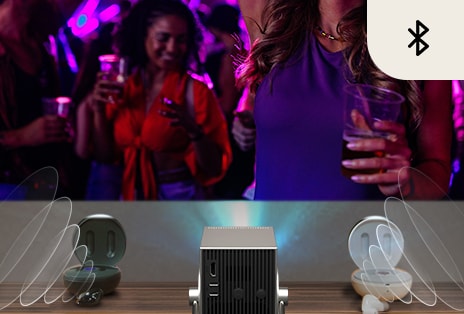
2) *Supported on BT 5.0 and above. The sound between the two connected devices may not match.
*The images simulated to enhance feature understanding. It may differ from actual use.
3) *The images simulated to enhance feature understanding. It may differ from actual use.
*This projector does not have a built-in battery. The connection of the power cord or external battery (20V/3.25A or higher) is required for operation.
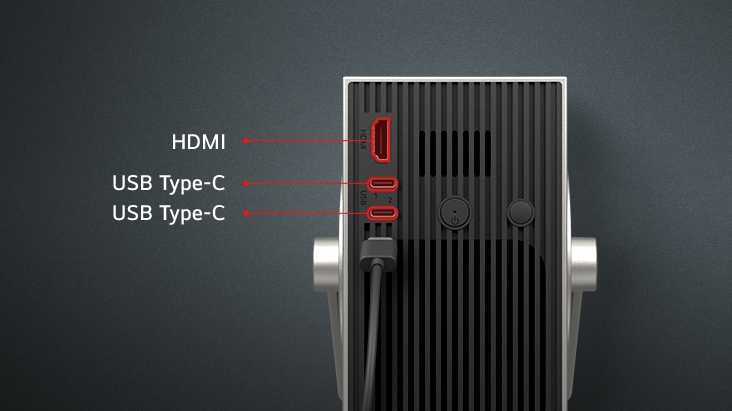
In line with various interfaces
| The CineBeam Q is compatible with various interfaces. Connect to devices that you want using its convenient ports. |
*The images simulated to enhance feature understanding. It may differ from actual use.
*It supports a 4K 30Hz by connecting the external device with a USB Type-C port and does not support HDR.
*This projector does not have a built-in battery. The connection of the power cord or external battery is required for operation.
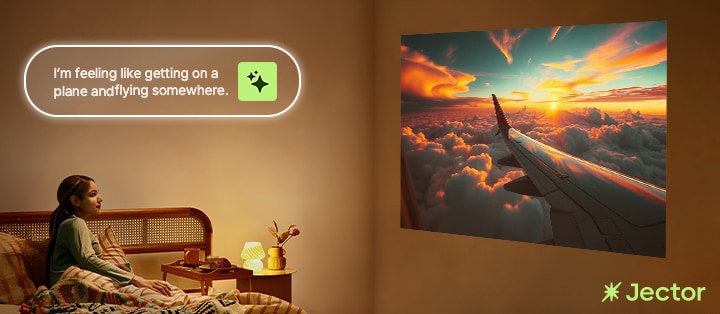
Your space, redefined with AI-powered projection
Reimagine your space every day with AI-generated visuals* projected onto the walls through your LG CineBeam projector. Instantly transform your environment into an innovative interior design by creating personalized AI images** that perfectly suit your mood.
| *To use the service, Jector AI app download via LG Content Store and separate account registration are required. Jector AI is available on the models with webOS 6.0, webOS 23, or webOS 24. **A $6.99 monthly subscription is required for generating more than three AI images per month, whether with or without audio. ***Image generation time may vary depending on the complexity of the image. ***Jector AI supports English and Korean only. |
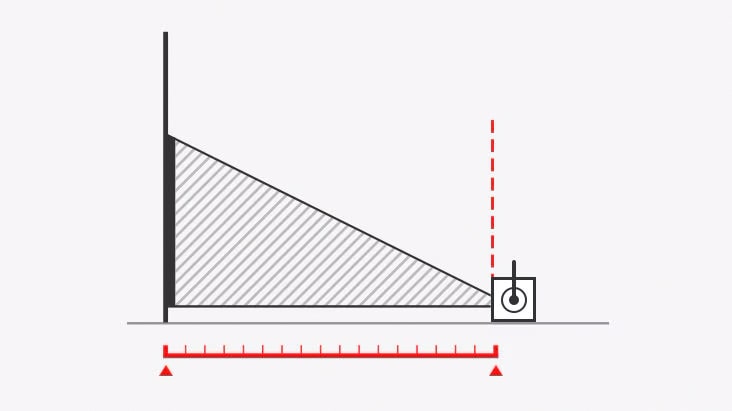
LG Projection Calculator
Will it fit my space?
To make sure the projector will work in your space, use the LG Projection Calculator.
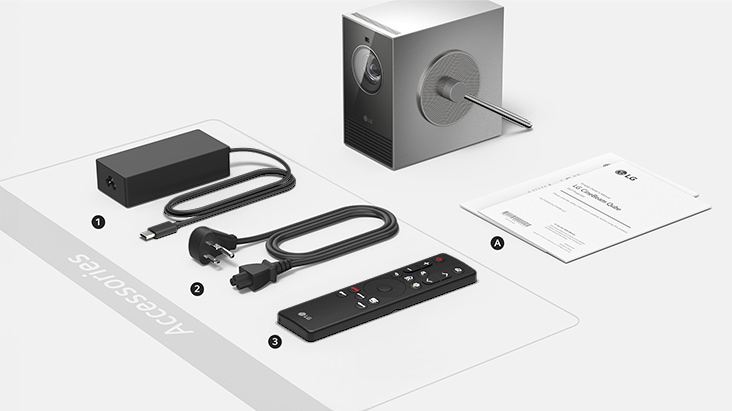
What's in the box
1/2. Adapter+Power cord, 3. Remote control
Gallery
All Spec
ACCESSORY
-
Conformances(Regulation)
KCC, KC, FCC, ETL, CE/CB, PSE
-
Manual (Full or Simple Book)
Simple Book
-
Warranty Card
Depends on region
BRIGHTNESS (ANSI LUMEN)
-
Brightness (ANSI Lumen)
600
DESIGN
-
Cabinet Color
Top/Bottom_Silver , Front/Rear_Black
-
Local Key
One Key
FEATURES
-
Auto Keystone
(Auto Screen Adjustment)
-
Airplay 2 (iOS/Mac Video Casting, Mirroring, Audio Streaming)
(up to 4K/30Hz)
-
Digital Keystone Correction
Edge Adjustment (4/9/15 Point Warping)
-
HDCP
HDCP2.2
-
HDMI ARC(Audio Return Channel)
(eARC)
-
HDR
HDR10, HLG
-
HDR Tone Mapping
(Auto, Dynamic/frame by frame)
-
Image Flip
(Horizontal/Vertical)
-
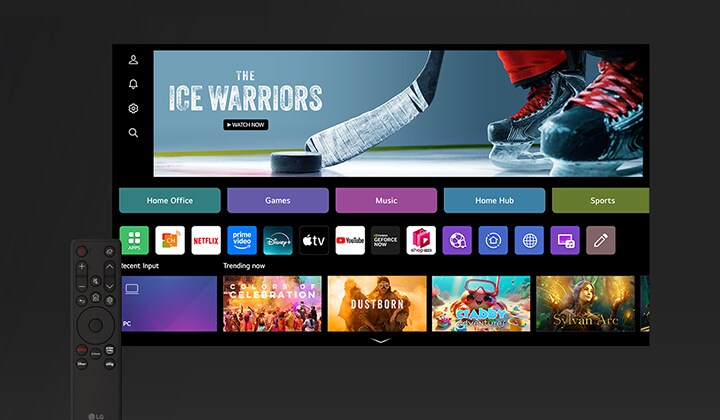
Platform (OS, UI)
webOS 24 (Smart)
-
Processor
Quad Core
-
Quick(Instant) Power on/off
(on 12 Sec ↓ / off 2 Sec)
-
Super Resolution (Expert Control)
(4K)
-
TruMotion
(up to 4096x2160)
-
Upscaler
(4K)
INPUT/OUTPUT TERMINALS
-
HDMI
1
-
USB Type-C (Display, Charging)
2 (USB2.0, Display, Power : 5V/1A Out, 20V/3.25A In)
INPUT SIGNAL COMPATIBILITY
-
Digital(HDMI)
Up to 4K (4096x2160) (60Hz, 50Hz, 24Hz)
LIGHT SOURCE
-
Type
3Ch Laser (R, G, B)
NATIVE RESOLUTION
-
Native Resolution
4K UHD (3840 x 2160) 1)
NOISE
-
Energy Saving Max. (Eco)
25 dB(A)↓
-
Energy Saving Med.
27 dB(A)↓
-
Energy Saving Min. (Bright)
29 dB(A)↓
POWER
-
Power Consumption (Max.)
65W
-
Power Supply
Adapter 65W(Type-C)
-
Stand-by Power
<0.5W
PROJECTION IMAGE
-
Screen Size
50" ~ 120"
-
Standard (lens to wall)
80"@2.13m 100"@2.66m
-
Throw Ratio
1.2
PROJECTION LENS
-
Zoom
Fixed
PROJECTION OFFSET
-
Projection Offset
100%
SIZE
-
Net Size (mm) (W x D x H)
80 x 135 x 135
SOUND
-
Clear Voice
(Clear Voice lll)
TEMPERATURE
-
Operation Temperature
0 ~ 40℃
WEIGHT
-
Net Weight (kg or g)
1.49kg
What people are saying
Find Locally
Our Picks for You
-
Manual& Software
Download product manuals and latest software for your LG product.
-
Troubleshoot
Find helpful videos and information about your product systems.
-
Warranty
Check LG warranty information here.
-
Part& Accessory
Discover accessories for LG products.
-
Product registration
Registering your product will help you get faster support.
-
Product support
Find manual, troubleshoot and warranty of your LG product.
-
Order support
Track your order and check order FAQ.
-
Repair request
Repair request service conveniently online.
Contact Us
-
Chat with us
Get your answers from our virtual assistants.
-
WhatsApp
We are on WhatsApp. Text with our experts for service related concerns
-
Email us
No time to chat?Send LG Support your inquiry.
-
Text us
Text ‘*CARE’ to
1-587-742-2623
and get instantly connected to an agent.
(Only for customers located in Canada)